





Use Case
Support flexible checkout operations through order holding, split payments, loyalty member checkout, offline transactions, and real-time customer screen experiences across retail stores.

Busy Counter & Multiple Customers
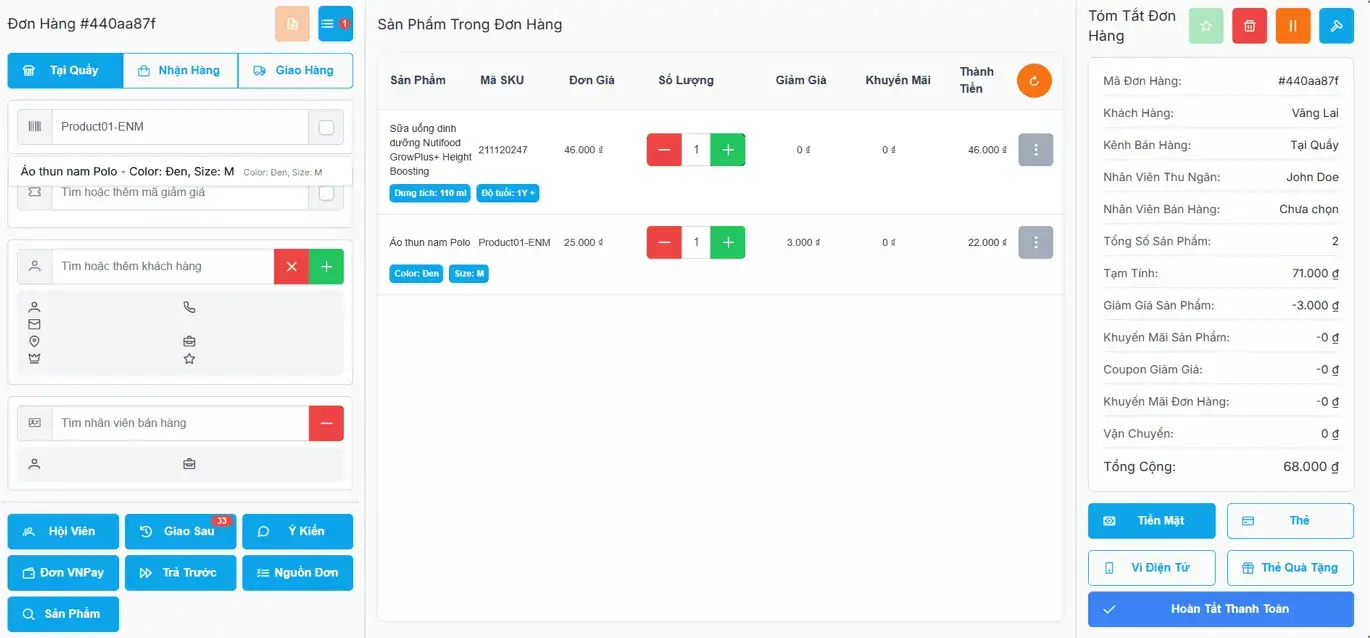
Smart POS lets cashiers hold an active order and immediately serve the next customer, then resume and complete all transactions without losing any data.
Scenario
- Customer A is still browsing - order is in progress
- Customer B arrives and needs to pay quickly
- Cashier cannot keep Customer B waiting
Smart POS action
- Hold Customer A's order with one tap
- Open a new order and serve Customer B immediately
- Resume Customer A's order and complete payment

Group Purchase & Split Payment
Smart POS supports flexible order splitting so each customer in a group can pay their own portion independently by cash, card, or e-wallet.
Scenario
- A group shops together under one order
- Each person wants to pay separately
- Different payment methods per person
Smart POS action
- Split order into sub-orders by item or amount
- Each sub-order processed independently
- Accepts cash, card, e-wallet per split

Loyalty Member Checkout
Smart POS identifies loyalty members by phone number and automatically applies earned points, promotions, and order-level discounts at checkout.
Scenario
- Member enters or scans phone number at POS
- Accumulated loyalty points are available
- Active promotions apply to the current order
Smart POS action
- Instantly look up member profile by phone
- Auto-apply loyalty points as payment or discount
- Apply eligible promotions at product & order level

Internet Outage & Offline Support
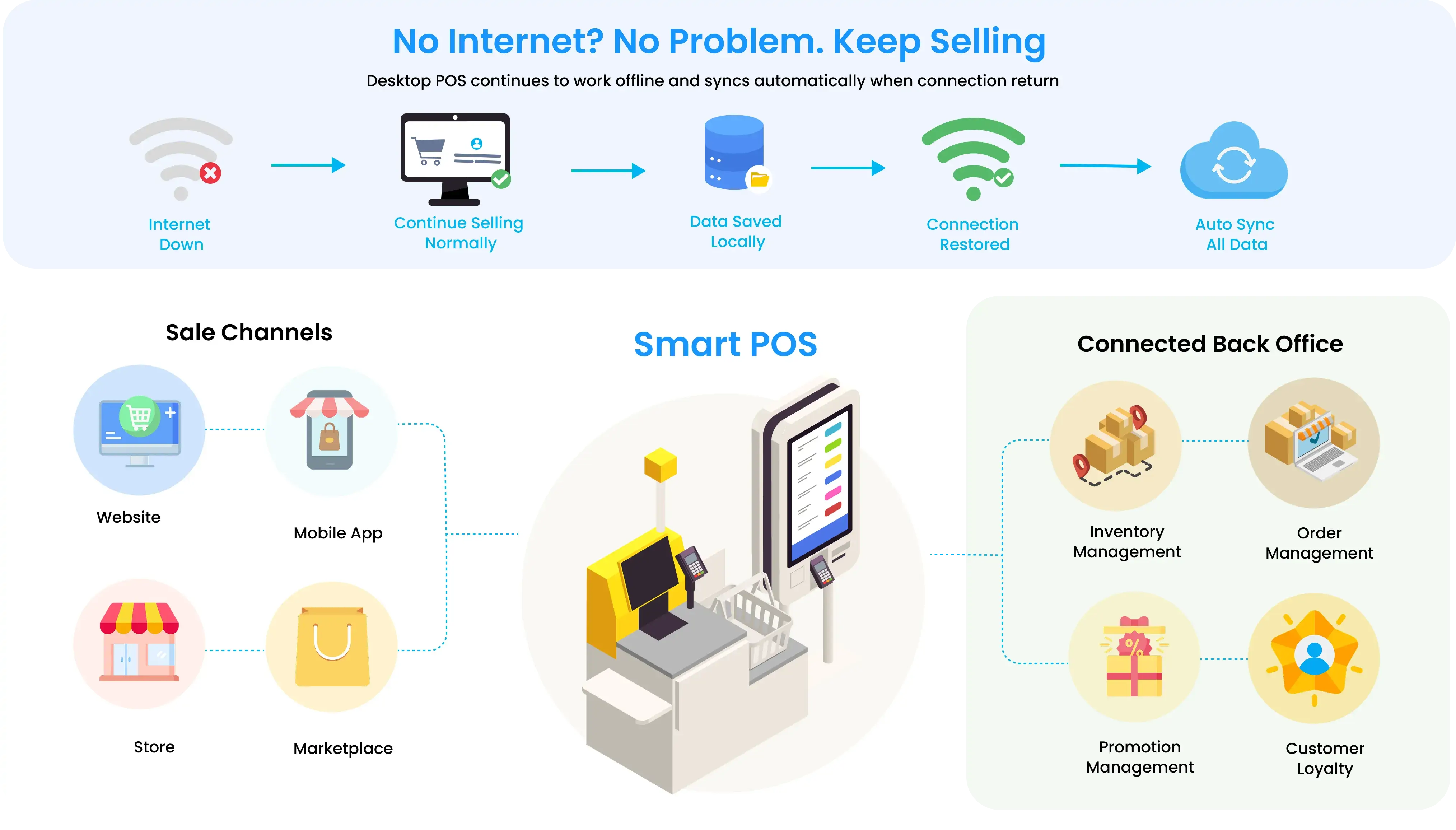
SmartPOS continues processing sales during internet outages. When connectivity is restored, all transactions are automatically synchronized.
Scenario
- Network outage occurs mid-shift
- Cloud-based systems become unavailable
- Staff must continue serving customers without interruption
Smart POS action
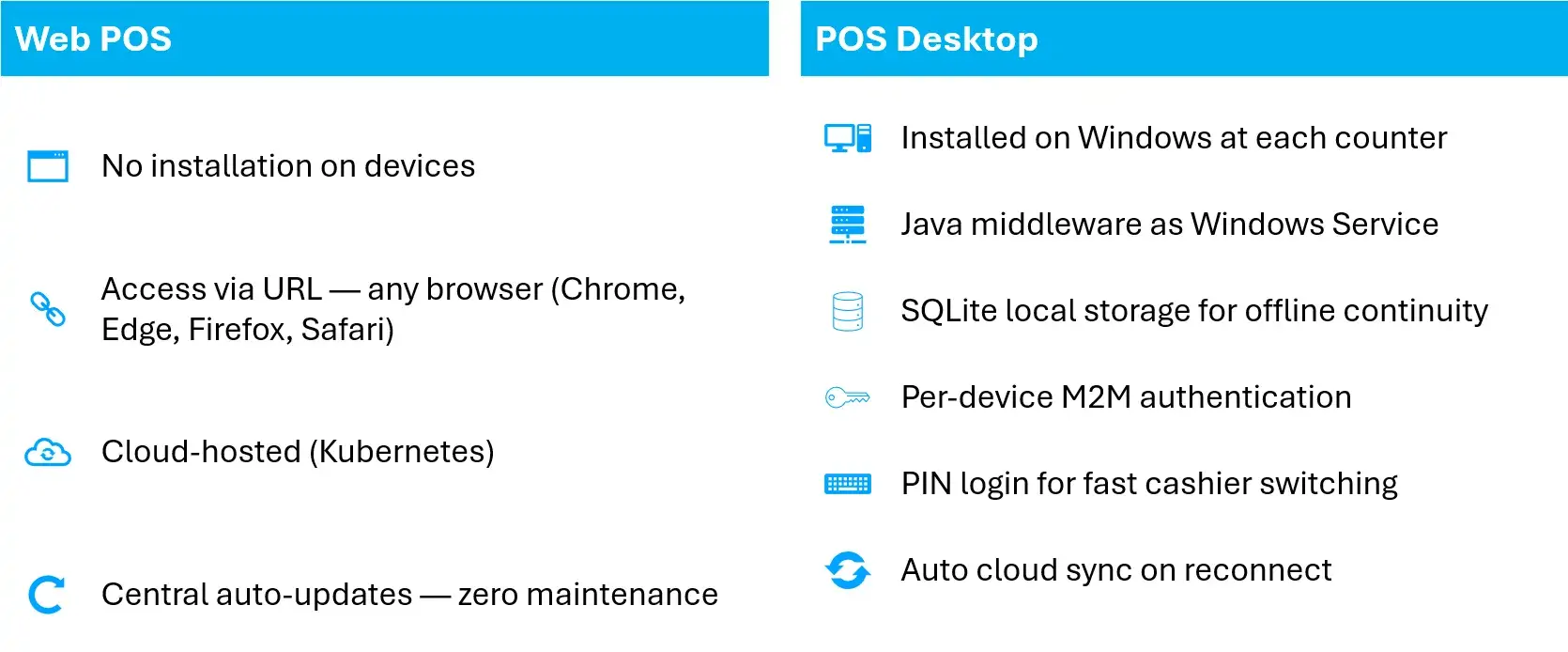
- Seamlessly switches to offline mode (POS Desktop)
- All transactions stored locally in SQLite
- Auto-sync with central system when internet returns

Customer Screen Experience
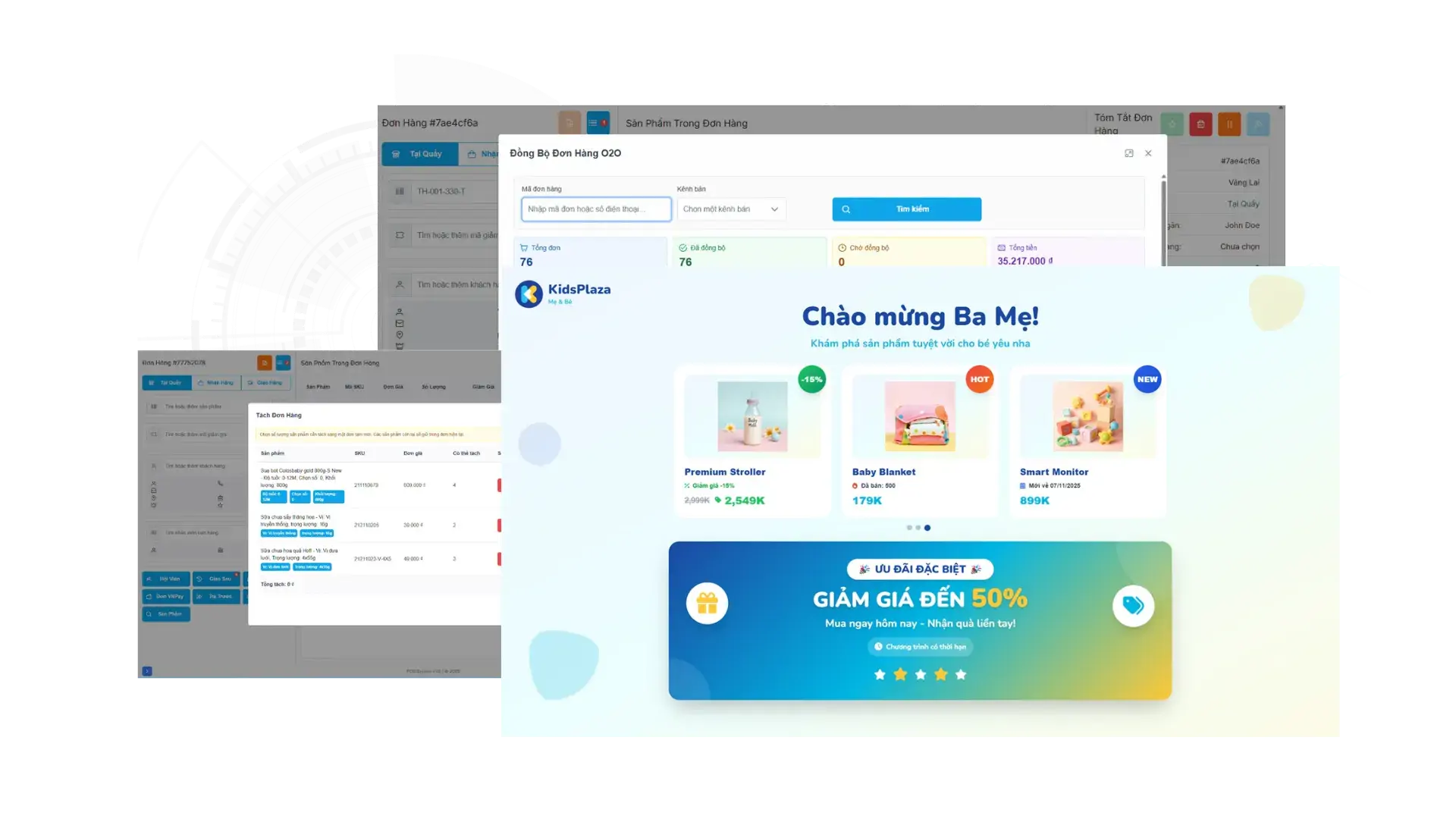
The secondary customer display shows a live order summary, active promotions, product recommendations, and a QR code for self-scan payment checkout.
Scenario
- Customer standing at the counter during checkout
- Wants to verify items and see discounts applied
- Prefers to scan payment QR themselves (MoMo,VNPay)
Smart POS action
- Customer screen shows real-time order detail
- Highlights active promotions and savings
- Displays payment QR code for self-scan checkout